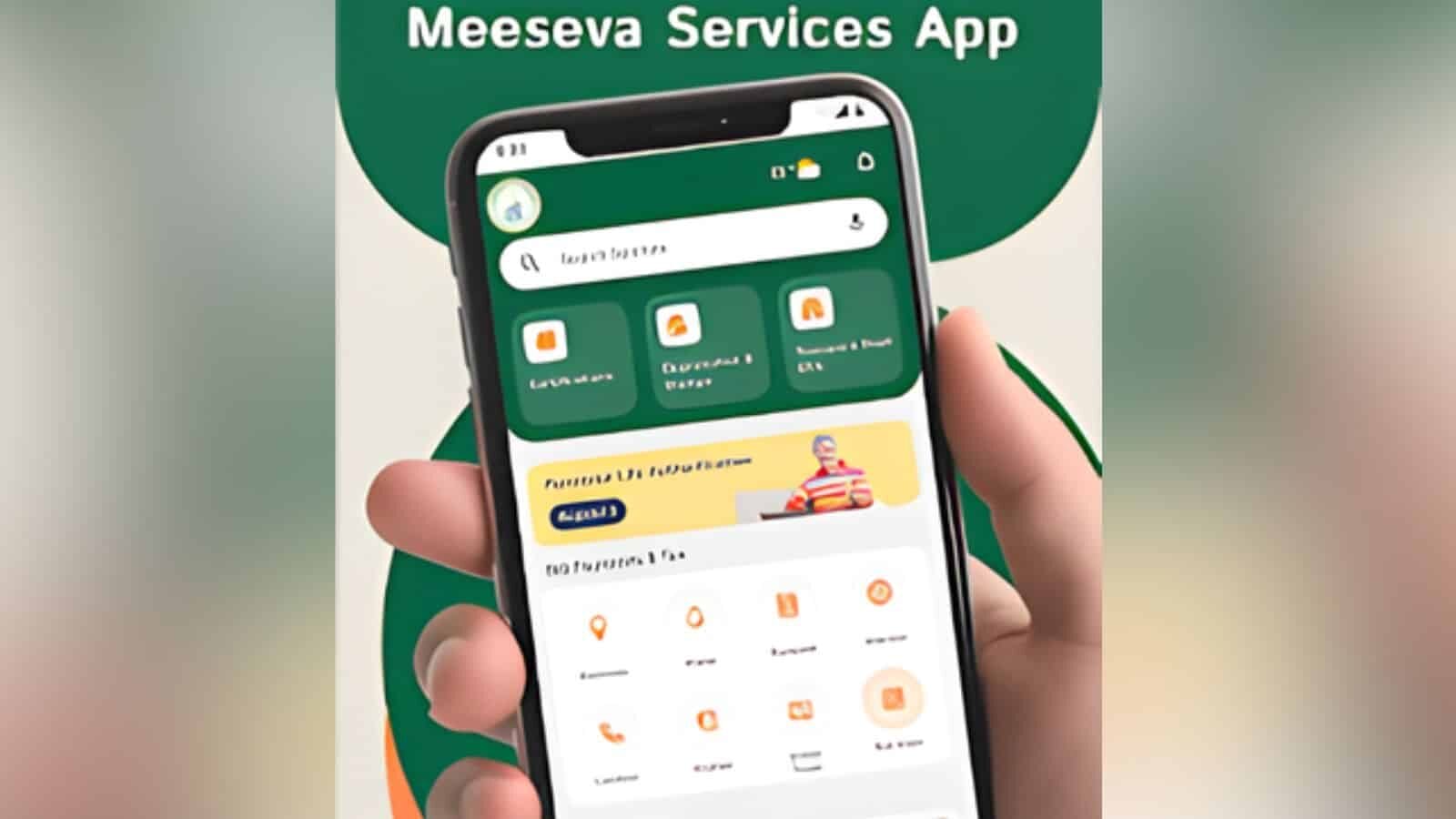
Hyderabad. The Telangana government has taken another step towards making citizen services simpler, more accessible, and transparent. Under the leadership of IT and Communications Minister D. Sridhar Babu, several new services of the Greater Hyderabad Municipal Corporation have been added to the WhatsApp/chatbot platform of the state’s key digital service system, ‘Me Seva’. According to a press release issued by the Electronic Service Delivery (ESD) department, citizens can now easily avail nine important GHMC services through WhatsApp. These include property assessment revision, corrections to birth and death certificates, home-based birth and death registration, property door number correction, property name correction, property tax services, and trade license renewal.
9 services available via WhatsApp
The government stated that the ‘WhatsApp/Chatbot Me Seva’ platform was launched on November 18, 2025, to provide citizens with essential government services instantly through digital means. Since its launch, the platform has received widespread public support across the state. To avail services via WhatsApp, citizens must first save the official Me Seva WhatsApp number 8096958096 on their mobile. Then, they can start the chatbot by sending a “Hi” message on WhatsApp. Next, they need to type the name of the required service and select the ‘Open Service’ option. After filling in the requested information and completing the payment, the application will be submitted immediately.
Government will continue efforts to provide seamless services
According to the government, the most used services on the platform have been birth certificates, income certificates, police challans, electricity bills, and BIE results. This makes it clear that citizens are now increasingly trusting digital platforms, especially WhatsApp-based services, for daily government services. The Telangana government said it will continue to work to expand the scope of digital service delivery, strengthen system reliability, and provide seamless services to citizens in the future.
How to start WhatsApp on a mobile phone?
To run WhatsApp on a mobile phone, first download and install the app. Then, enter your mobile number and verify it using an OTP. After verification is complete, you can set your profile name and photo. An internet connection is required. Once the process is complete, you can use features like chat, calls, and video calls. This process is similar on both Android and iPhone.
What is the 6-digit WhatsApp password?
The 6-digit password in WhatsApp is typically the “Two-Step Verification PIN.” It is used for security so that no one else can activate your account on your number. The user sets this PIN themselves. If you forget the PIN, it can be reset via email. It is considered better to avoid using easy numbers to maintain security.
My WhatsApp is closed, how do I turn it back on?
If WhatsApp is closed, first check the internet connection and mobile number. Sometimes issues can arise due to the app not being updated, OTP problems, or temporary restrictions. Restarting the mobile and reopening the app can be helpful. If needed, the app can be updated or reinstalled. If the account appears restricted, a request can be sent through the official help option.